
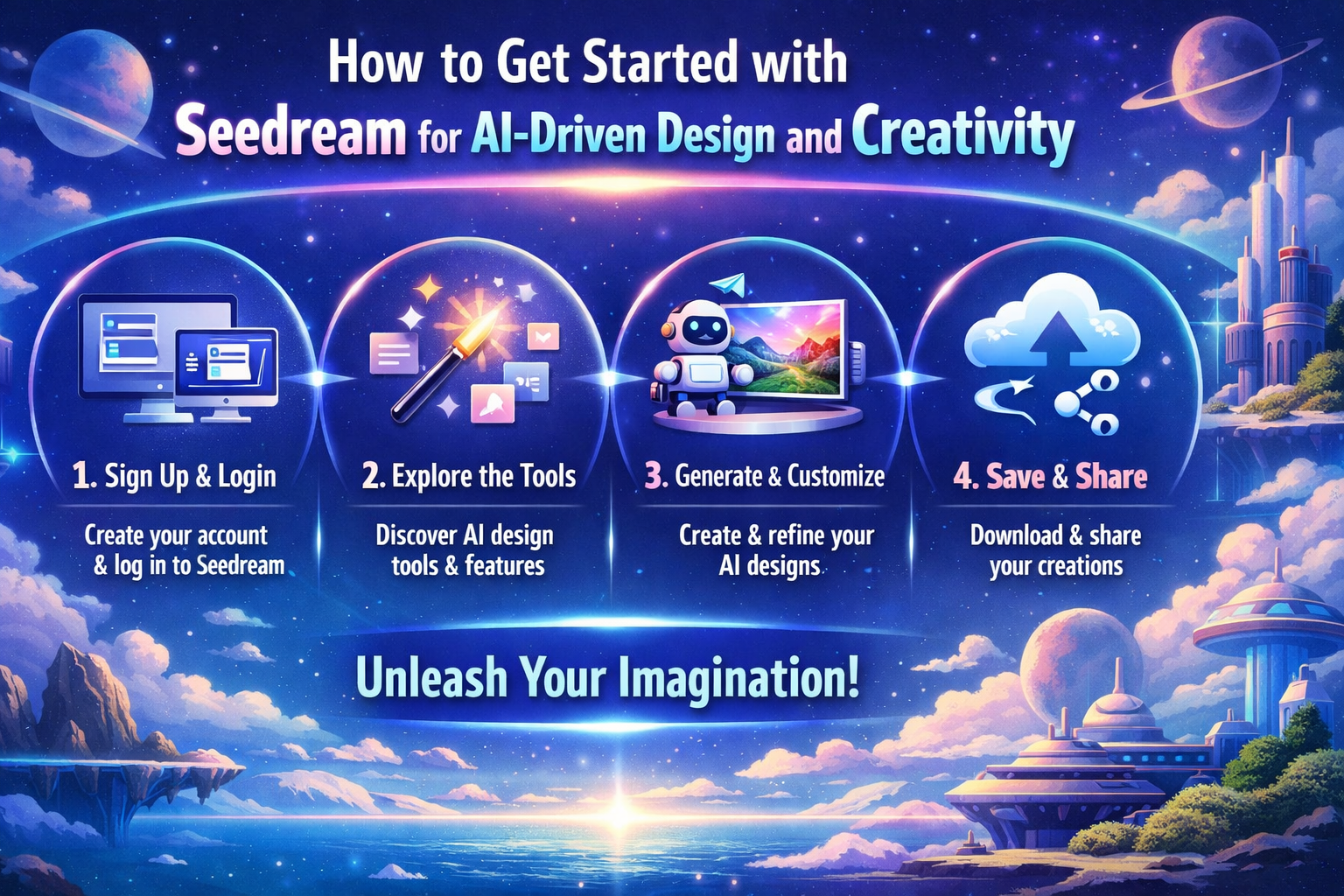
Artificial intelligence is rapidly changing how creative work is produced, making design and visual storytelling more accessible than ever. One such emerging tool is Seedream, an AI-driven platform that helps creators turn ideas into compelling visual assets using simple text prompts. Whether you are a designer, marketer, educator, or content creator, Seedream enables faster ideation and experimentation without the need for advanced technical skills.
This guide explains what Seedream is, how it works, and how beginners can get started with AI-driven design and creativity. It also highlights how Seedream can be combined with tools like Invideo and a video AI app to support complete visual and video workflows.
What Is Seedream?
Seedream is an AI-powered design tool that generates visual content from text descriptions. Instead of manually creating artwork or illustrations, users describe what they want to see, and the AI interprets that input to generate images, concepts, or creative visuals.
Seedream is particularly useful for:
- Concept visualization
- Creative exploration and inspiration
- Rapid generation of design ideas
- Supporting marketing and branding assets
By reducing the time and effort needed for manual design, Seedream allows creators to focus more on ideas and storytelling.
Why Use Seedream for AI-Driven Creativity?
AI-based design tools are no longer just experimental technologies. They are practical solutions that help creators work smarter and faster. Seedream stands out for several reasons:
Faster Design Workflows
Seedream can generate multiple visual concepts in minutes. This speeds up brainstorming and reduces time spent on repetitive design tasks.
Accessible for Beginners
You do not need advanced design skills to use Seedream. Clear text prompts are enough to create professional-looking visuals.
Creative Experimentation
Seedream makes it easy to explore different styles, moods, and visual directions. This flexibility encourages experimentation without additional cost or effort.
Support for Professional Creators
Even experienced designers use AI tools like Seedream for inspiration, concept validation, and early-stage ideation before finalizing designs manually.
How to Get Started with Seedream
Getting started with Seedream is straightforward, even for beginners.
Step 1: Create an Account
Sign up on the Seedream platform and complete the basic account setup. This gives you access to the AI design workspace and generation tools.
Step 2: Explore the Dashboard
Once logged in, familiarize yourself with the interface. Most Seedream dashboards include:
- A text prompt input field
- Style or visual preference options
- A gallery showing generated results
- Options to refine or regenerate designs
Understanding these elements helps you use the platform more efficiently.
Step 3: Write Your First Prompt
Your prompt guides the AI, so clarity matters. Instead of vague instructions, use descriptive language.
Example prompt:
“A clean and modern illustration for a technology brand, using soft blue tones and a minimal design style.”
The more specific your description, the better the output will align with your expectations.
Step 4: Refine and Iterate
After the initial output, review the results and adjust your prompt if needed. Small changes in wording can significantly improve results. Iteration is a key part of working with AI-driven design tools.
Step 5: Export Your Visuals
Once you are satisfied, export your designs for use in presentations, websites, marketing materials, or video projects.
Using Seedream with Invideo
While Seedream focuses on visual design, many creators also need video content. This is where combining Seedream with Invideo becomes valuable.
Invideo is an AI-powered online video creation platform that helps users turn ideas into finished videos efficiently. As highlighted on the Invideo Seedream page, creators can use Seedream-generated visuals as creative assets and then enhance them within Invideo’s editing environment.
This workflow allows you to:
- Generate visual concepts using Seedream
- Import those visuals into Invideo
- Add motion, text, voiceovers, and transitions
- Create professional video content without complex editing software
Together, Seedream and Invideo support a streamlined creative process from idea to final output.
Role of a Video AI App in Creative Workflows
A video AI app complements Seedream by adding motion and automation to static designs. These apps use artificial intelligence to simplify video editing tasks such as scene arrangement, captions, and pacing.
By combining Seedream with a video AI app, creators can:
- Convert static visuals into animated stories
- Produce short promotional or educational videos
- Maintain consistency across visual and video content
This approach is especially helpful for social media marketing, brand storytelling, and content repurposing.
Creative Use Cases of Seedream
Seedream can be applied across multiple creative domains:
Branding and Marketing
Generate visuals for campaigns, product launches, and brand concepts quickly and cost-effectively.
Concept Art and Storytelling
Writers, educators, and creatives can visualize scenes, characters, or environments to support storytelling and ideation.
Design Inspiration
Designers can use Seedream as an inspiration tool to explore new styles or creative directions before final execution.
Educational Content
Seedream can help create visual aids and illustrations that make learning materials more engaging and easier to understand.
Best Practices for Using Seedream
To get the best results from Seedream, follow these practices:
- Write clear and detailed prompts
- Experiment with different styles and variations
- Combine Seedream with tools like Invideo for richer outputs
- Always keep your target audience in mind
AI works best when guided by thoughtful input and creative intent.
Conclusion
Seedream is a powerful entry point into AI-driven design and creativity. By transforming text prompts into visual assets, it simplifies the creative process and opens new possibilities for beginners and professionals alike. When paired with platforms like invideo and supported by a video ai app, Seedream becomes part of a complete ecosystem for visual and video creation.
Whether you are exploring design concepts, creating marketing assets, or supporting video projects, Seedream helps turn ideas into visuals faster and more efficiently. With the right prompts and workflow, AI-driven creativity can become a valuable part of your content strategy.










Leave a Reply