
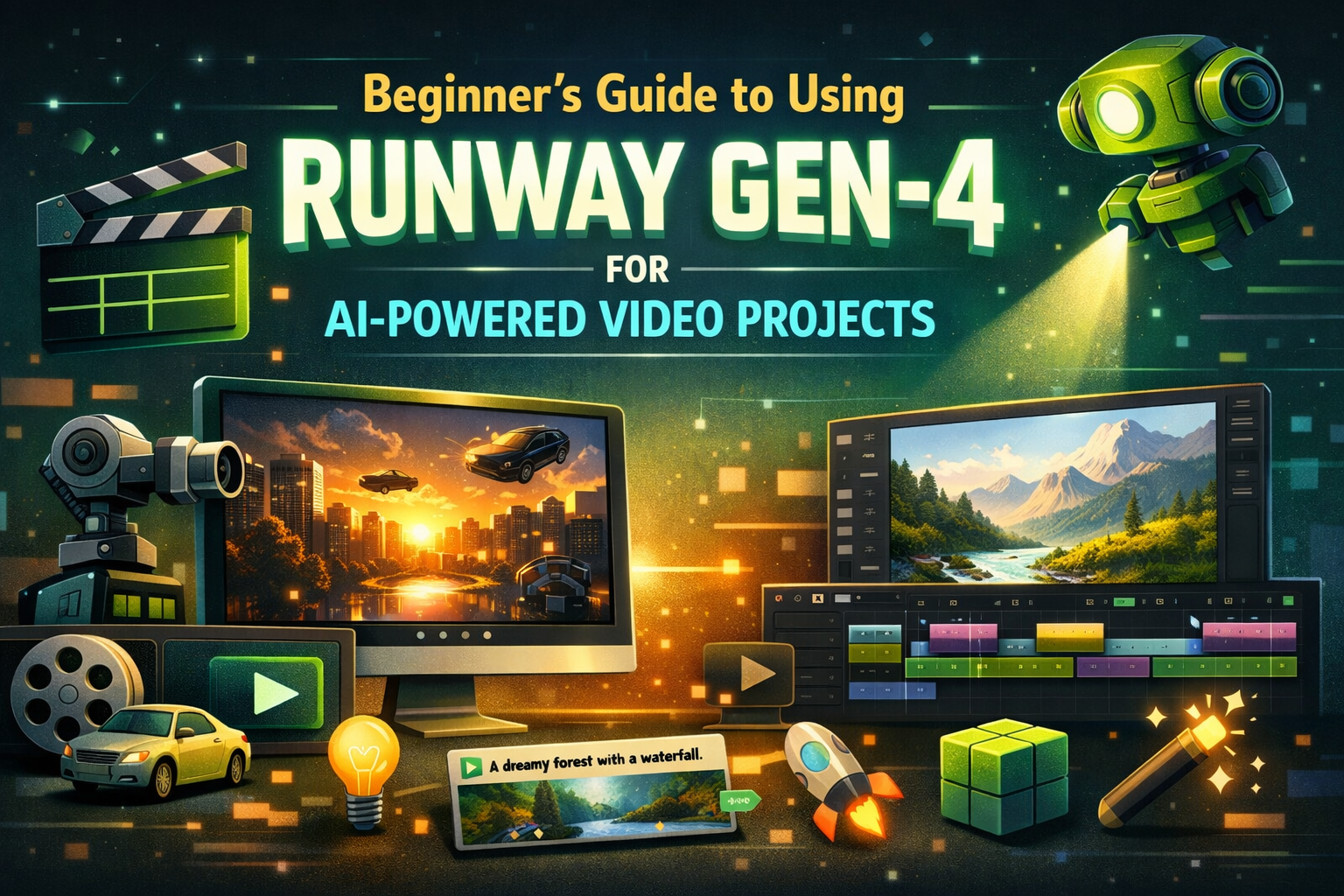
In the evolving landscape of digital content creation, artificial intelligence is revolutionizing how videos are generated, edited, and enhanced. One of the most powerful tools in this space is Runway Gen-4, an advanced AI model designed to empower creators to build stunning visual content with less effort and more creativity. Whether you’re a filmmaker, marketer, social creator, educator, or hobbyist, Runway Gen-4 opens up new possibilities for your video production workflows.
In this beginner’s guide, we’ll explore what Runway Gen-4 is, how it works, why it’s valuable, and practical steps to use it for your AI-powered video projects. We’ll also contrast it with other helpful tools — like how you can combine it with platforms like invideo and even tap into a free AI video app for low-cost experimentation.
What Is Runway Gen-4?
Runway Gen-4 is an advanced generative AI model developed for video synthesis and editing tasks. It builds upon earlier versions of Runway’s AI suite, providing improved realism, continuity, and creative control across a variety of video use cases.
In simple terms, it allows creators to:
- Generate entirely new videos from textual descriptions
- Replace backgrounds or objects within existing footage
- Animate still images and text prompts
- Transform ideas into visual sequences without complex editing skills
These capabilities make Runway Gen-4 an appealing choice for beginners and professionals alike. Since AI reduces the need for traditional filming and manual editing, teams can produce content faster and at a lower cost.
Why AI-Powered Video Matters
Before diving into how to use Runway Gen-4, it’s worth understanding why AI-powered video creation is rapidly gaining attention:
Speed and Efficiency
Traditional video production — from scripting to filming to editing — can take hours, days, or even weeks. AI video models like Runway Gen-4 generate and edit content in minutes, allowing creators to iterate rapidly and meet tight deadlines.
Leveling the Playing Field
Not everyone has access to professional cameras, lighting, or editing studios. AI video tools empower anyone with a creative idea to produce high-quality content with minimal equipment.
Greater Flexibility
AI video models support experimentation. Want to try an alternate visual style? Adjust your prompt and regenerate. Looking for multiple variations for A/B testing? AI makes it easy.
How Runway Gen-4 Works
While it’s a sophisticated AI model under the hood, you don’t need to be a tech expert to use Runway Gen-4 effectively. Here’s a simplified breakdown of how it works:
1. Natural Language Prompts
You provide a text description — also called a prompt — that describes what you want to see in your video. For example:
“A cinematic scene of a spaceship landing on a neon-lit futuristic city at dusk.”
The model interprets your text and begins assembling visuals based on your instructions.
2. Content Generation
Runway Gen-4 uses its AI architecture to compose visuals, motion, color, and continuity. Instead of manually sourcing footage and stitching it together, the model synthesizes the entire scene.
3. Editing and Refinement
After the first generation, you can refine scenes by:
- Modifying your prompt
- Replacing elements
- Adding motion or transitions
- Integrating with other editor tools
This iterative workflow gives you creative control without overwhelming technical barriers.
How to Get Started with Runway Gen-4
Let’s walk through a beginner-friendly workflow to start your first AI video project using Runway Gen-4.
Step 1: Define Your Concept
Begin with a clear idea of what you want to create. Successful AI prompts are specific and descriptive. Consider visuals, motion cues, mood, and pacing.
Example prompt structure:
“A cheerful forest scene at sunrise with birds flying, soft golden light, and cinematic camera movement.”
Be as detailed as possible — the clearer your instructions, the better the results.
Step 2: Access Runway’s Platform
Runway Gen-4 can be used through Runway’s web app or integrated into supported video editing workflows. Sign up for an account and navigate to the AI video tools section.
Some platforms may offer free tiers or trial credits, which are excellent for experimentation before committing to a paid plan.
Step 3: Enter Your Prompt
Once you’re in Runway’s video creation interface:
- Locate the text prompt field.
- Enter your descriptive scenario.
- Adjust settings like video length, style cues, or motion characteristics (if available).
Click Generate, and let the AI work its magic.
Step 4: Review and Refine
After the video is generated, evaluate the visual output. Consider:
- Are the visuals aligned with your concept?
- Is the motion natural?
- Are there any mismatches or incoherent elements?
If something isn’t perfect, tweak your prompt and regenerate. Don’t be afraid to iterate — creativity thrives through exploration.
Step 5: Export and Edit
Once satisfied with the generated content, export your video. You can fine-tune it further with editing tools or combine it with real footage, music, or voiceovers.
This is where integration with tools like invideo becomes powerful.
Tips for Effective Prompts
Crafting great prompts is a skill that improves with practice. Below are some tips:
Use concrete nouns and visual descriptors
Mention mood, lighting, and camera movement
Include textures or styles (e.g., cinematic, animated, surreal)
Balance brevity with meaningful detail
Example:
“A serene mountain lake at dawn, soft mist rising, tranquil ambient lighting, slow cinematic zoom-in.”
Pairing Runway Gen-4 with Other Tools
While Runway Gen-4 excels as a generative engine, many creators combine it with other video production platforms to polish final output.
Invideo Integration
Invideo is a powerful online video editor that supports AI-enhanced creation workflows. As noted on their AI page, invideo helps users turn ideas into polished videos using AI-driven enhancements. By calling on Runway Gen-4 to generate visuals and then importing them into invideo, creators can refine edits, add text overlays, include music, or apply motion effects — all within a streamlined editing space.
This combo of generative AI and accessible editing is especially useful for creators who want high-quality visuals without deep editing expertise.
Creative Use Cases for Runway Gen-4
Here are some practical projects where beginners can apply Runway Gen-4:
1. Storytelling Snippets
Short cinematic scenes, concept visuals, or narrative ideas for social media.
2. Marketing Concepts
Generate visuals for ads, product illustrations, or promotional campaigns without traditional shooting.
3. Game Design Previews
Rapidly prototype animated scenes or character environments for game concepts.
4. Educational Videos
Visualize historical events or scientific concepts with realistic or stylized scenes.
5. Concept Art Animations
Bring sketches and text descriptions to life with generated motion and ambiance.
Final Thoughts
Runway Gen-4 is transforming the landscape of AI-powered video creation, making it accessible for beginners and experts alike. With its intuitive generation from text prompts, creators can bring imaginative ideas to life faster than ever before. Whether you’re crafting personal stories, promotional content, or professional video assets, this technology helps you bridge the gap between concept and finished content.
Pairing Runway Gen-4 with platforms like invideo and experimenting with a free AI video app can further enhance your workflow — letting you iterate, refine, and publish high-quality videos regardless of your editing experience.
Ready to transform your ideas into captivating videos? Start with clear prompts, experiment boldly, and let AI open new doors for your creative journey! 🚀









Leave a Reply